A Practical Guide to Xero Bookkeeping for Small Businesses
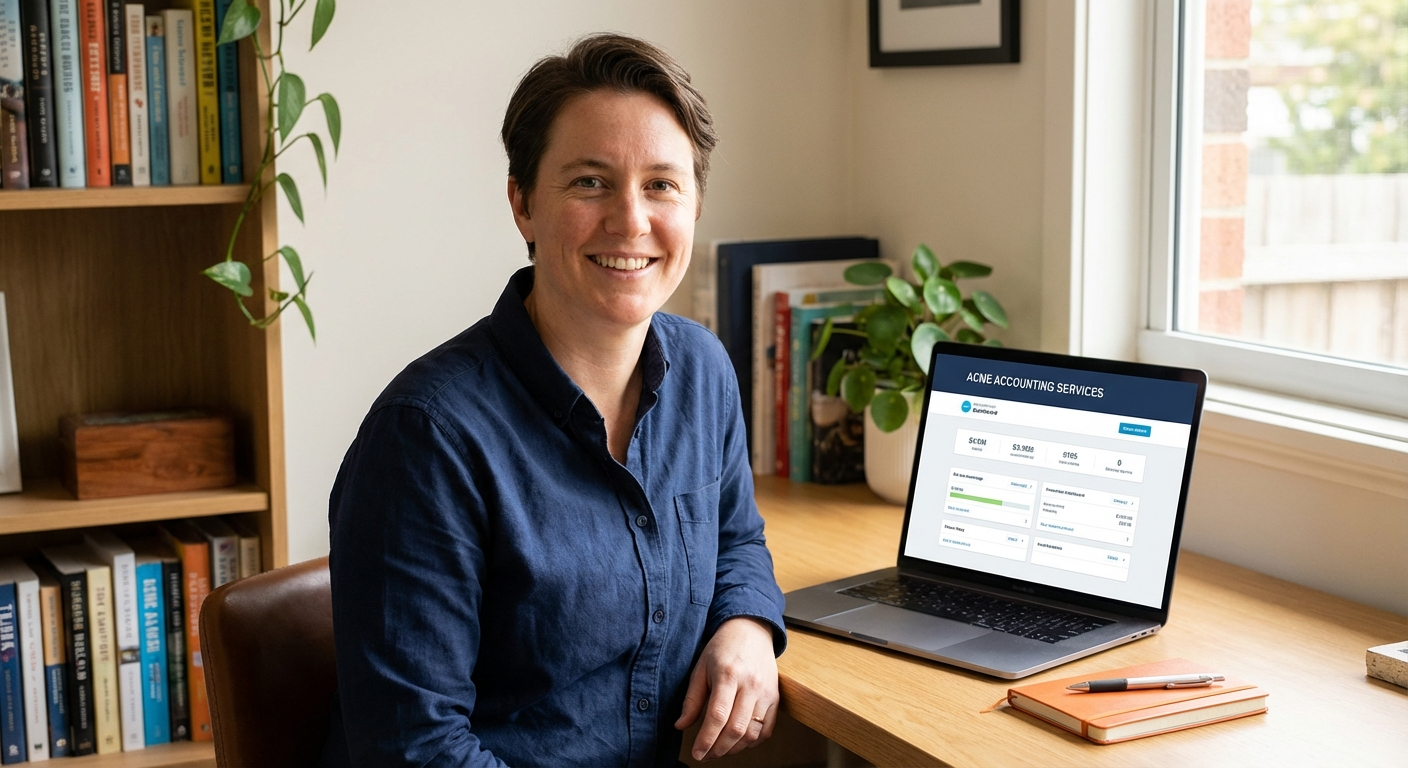
If you have Xero set up but feel like you are only using a fraction of it correctly, you are not alone. This guide walks through what proper Xero bookkeeping actually involves, how much time it takes each week, and where the process tends to break down for small businesses.
Why Xero bookkeeping feels harder than it should
Xero is a capable piece of software, but capability does not equal simplicity. Most small business owners open it, click around, and end up creating workarounds that make sense in the moment but cause real problems later, particularly when VAT time arrives.
The pressure to get this right has increased. From 6 April 2026, sole traders and landlords with annual income over £50,000 must use MTD-compatible software for income tax reporting, which means your Xero records need to be accurate enough to generate compliant quarterly submissions automatically. If your records are a mess, that deadline will find you out.
From 6 April 2026, sole traders earning over £50,000 must submit quarterly digital updates to HMRC using MTD-compatible software. Xero qualifies, but only if your bookkeeping is kept up to date. Sending inaccurate quarterly data is not a minor issue; it forms the basis of your tax calculation.
Where Xero bookkeeping goes wrong for small businesses
The problems I see most often are not dramatic. They are quiet, accumulated errors: months of unreconciled transactions, expense categories that catch everything (‘Miscellaneous’), and bank feeds that stopped syncing weeks ago without anyone noticing. Each one is fixable, but together they mean your profit and loss figures cannot be trusted.
Ignoring bank feed failures
Bank feeds in Xero are generally reliable, but they do fail. UK contractors using Xero regularly report disrupted bank feeds as a core bookkeeping problem, and the impact is significant: transactions go unrecorded, reconciliation falls behind, and your account balance inside Xero stops matching your actual bank. If you are not checking the feed weekly, you may not notice for months.
Using Xero as a filing cabinet rather than an accounting tool
Uploading receipts and attaching invoices is useful, but it is not the same as bookkeeping. Proper bookkeeping means every transaction is categorised correctly, reconciled against your bank statement, and reviewed for VAT treatment. If you are attaching documents but not reconciling, your Xero account looks active but the numbers inside it are unreliable.
“I have worked with business owners who thought their Xero was fine, only to find six months of transactions sitting uncategorised and a VAT return based on figures that did not match the bank. It is not a character flaw. It is what happens when something that looks automated still needs regular human attention.”
What proper Xero bookkeeping actually involves
Here is what a correctly maintained Xero account requires on a regular basis. This is not an exhaustive technical breakdown, but it covers the core work that small businesses most often skip or handle incorrectly.
- Weekly bank feed check: Confirm your bank feed is syncing correctly and that no transactions have gone missing. Flag anything unusual before it gets buried under three more weeks of activity.
- Transaction categorisation: Every transaction needs to be allocated to the correct account code. Vague categories like ‘general expenses’ create problems at year-end when your accountant or HMRC asks what the money was actually for.
- Monthly reconciliation: Compare every transaction in Xero against your actual bank statement line by line. Xero has a built-in reconciliation tool, but it only works if your bank feed is current and your categorisation is accurate.
Done consistently, this work takes roughly 30 to 60 minutes per week for a small business with moderate transaction volume. The problem is that most business owners either skip weeks and then face a backlog, or do the work but miss the detail that makes it accurate.
Comparing the cost of DIY versus using a bookkeeper
The honest question here is not just what a bookkeeper costs, but what it costs you to do this yourself. Your time has a value, and time spent in Xero is time not spent on the work that generates your income. A missed VAT claim, an incorrect CIS deduction, or a late submission penalty can each cost more than several months of bookkeeping fees.
| Option | What you get | What to watch for |
|---|---|---|
| DIY Xero Bookkeeping | No monthly bookkeeping fee. Full access to your own records at any time. Works if you are organised and consistent. | Time cost is real. Errors compound quietly. MTD submissions require accurate records or corrections become expensive. Bank feed failures go unnoticed without regular checks. |
| Dedicated Bookkeeper (e.g. Ben Kennell) | Fixed monthly fee from £25/month. Records kept current. VAT returns, payroll and CIS handled directly. One person who knows your accounts and is reachable when you need them. | Monthly fee ongoing. Requires you to send documents and information promptly. |
What to do with your Xero account this week
If you have read this and recognised your own situation, here are the practical steps to take right now. These apply whether you plan to manage your books yourself or are considering handing them over.
- Log into Xero and check your bank feed status. If it shows a connection error or the last sync was more than a few days ago, fix that first. Everything else depends on accurate incoming data.
- Open your reconciliation screen and count how many unreconciled transactions are sitting there. If it is more than a month’s worth, that is your most urgent task. Start from the oldest date and work forward.
Ready to get your Xero bookkeeping sorted?
I offer fixed monthly bookkeeping from £25/month covering your Xero records, VAT returns, payroll and CIS, with no team, no contract lock-in, and one person who handles everything. Book a free call and I will tell you exactly what needs doing and what it will cost.
Reliable, accurate, and local. Acme Accounting Services provides a full suite of accounting services to small businesses in Ipswich, Suffolk and beyond.
💛 5% of revenue donated to St. Elizabeth’s Hospice, Ipswich.